White-labelled online booking
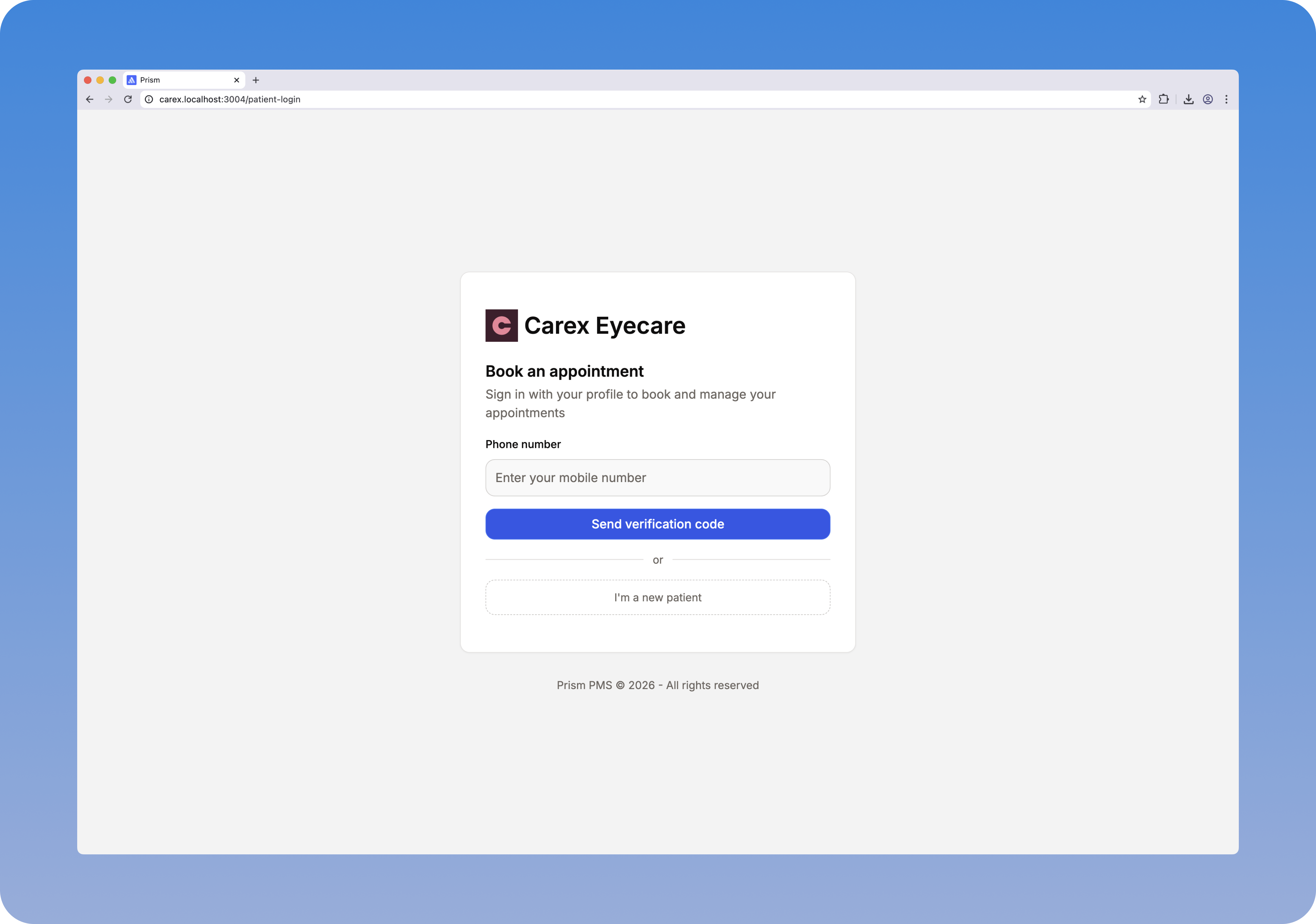
We're excited to announce the addition of white-labelled online booking to Prism. Your patients can now book appointments directly through a branded online portal — no phone calls, no back-and-forth.
What's New
- Your branding - Customise the portal with your business name and logo
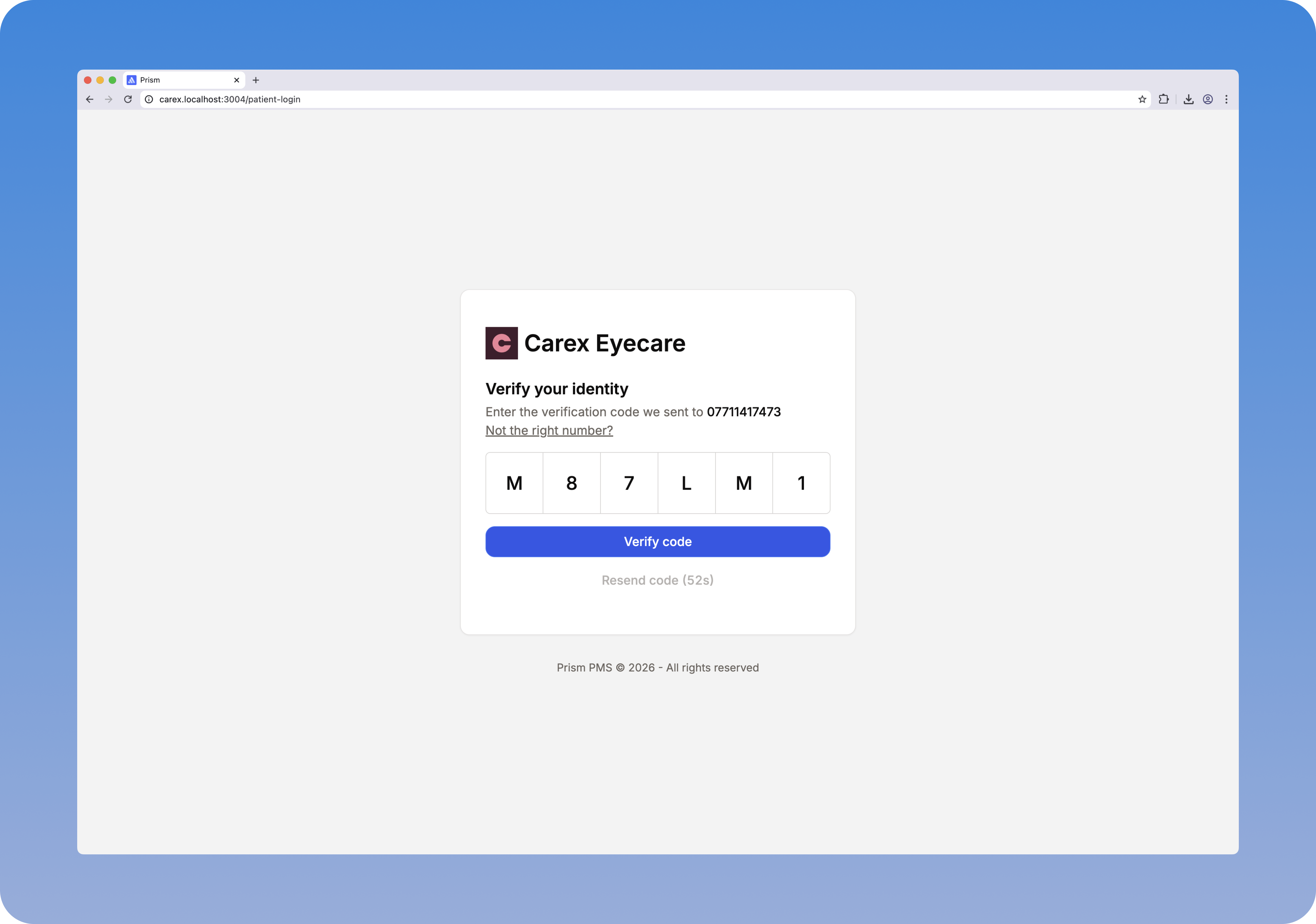
- Passwordless patient sign-in - Patients sign in with their phone number, no password to remember
- New patient registration - New patients can create a profile and book in seconds with a minimal sign-up form
- Direct calendar booking - Choose the practice, optician and service, then book straight into the calendar
- Automatic SMS confirmations & reminders - Instant booking confirmation and a reminder the day before
- Duplicate profile detection - Automatically flags similar-looking patient profiles so you can merge them
How It Works
Your Branding
The booking portal is fully white-labelled with your business name and logo, so patients get a seamless experience that feels like part of your practice.
Passwordless Sign-In
Patients sign in to your online portal using just their phone number. No passwords to memorise or reset. This automatically links their appointment to their existing patient record, giving you full visibility of their past orders, appointments and invoices.
New Patient Registration
New patients can create a profile and book online straight away. We keep the sign-up form deliberately minimal to reduce friction and make booking as seamless as possible — a patient profile is created for them and they can book into your calendar immediately. Once they come in for their appointment, we heavily recommend filling out their full patient profile so all the missing data is captured.
Duplicate Profile Detection
To prevent duplicate patient profiles building up, we automatically detect similar-looking profiles and flag them to you. If someone books with a mobile number that isn't attached to their existing account, you'll be notified so you can merge the profiles and keep your records clean.
Book Into Your Calendar
Patients choose the practice, optician and service they'd like to book, then pick a time that suits them. The appointment is placed directly into your calendar — no manual entry required.
SMS Confirmations & Reminders
Once a patient confirms their booking, they receive an automatic SMS confirmation straight away. They'll also get a reminder the day before their appointment, helping reduce no-shows.